
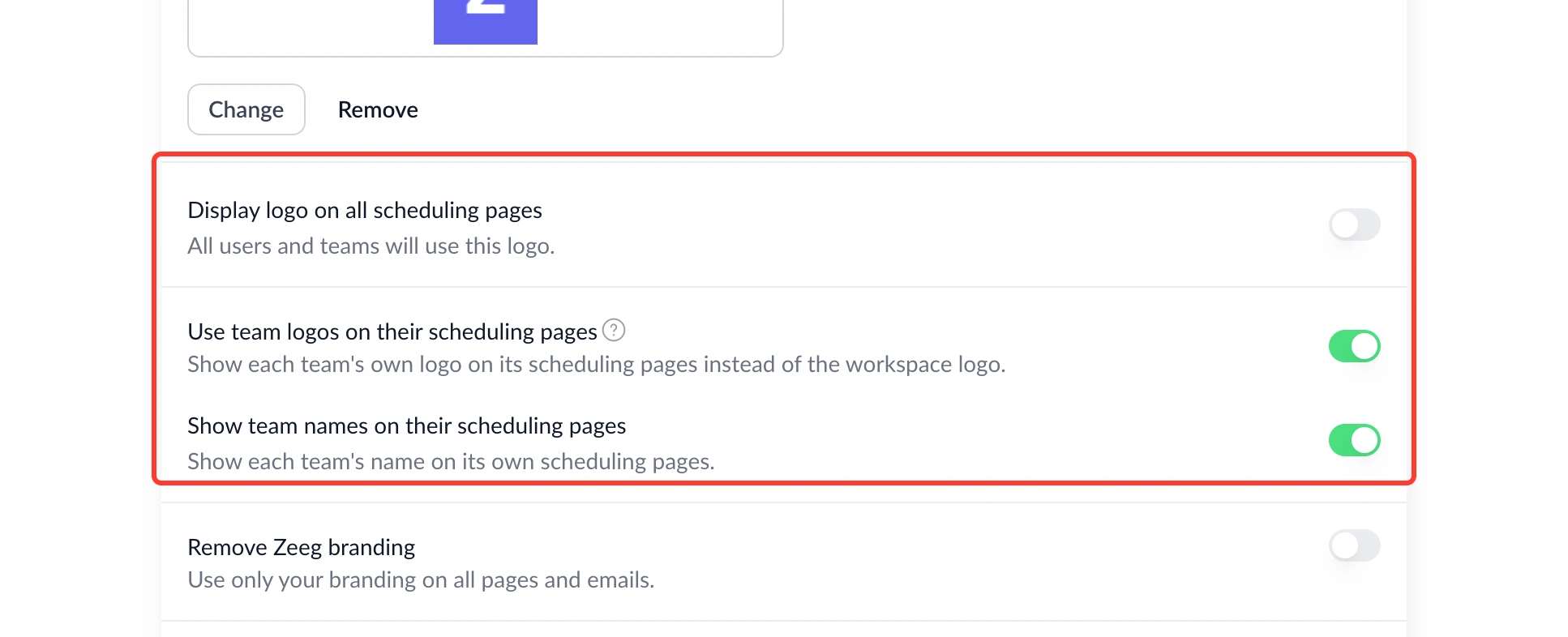
You can now control whether team scheduling pages show their own branding instead of the workspace defaults.
What's new:
• Team logo toggle – Choose to show a team's own uploaded logo instead of the workspace logo.
• Team name toggle – Choose whether the team name appears on booking pages, browser tabs, and link previews.
Find them at Workspace General Settings → Organization Profile.
Why this matters: Different teams inside the same workspace often want their own identity in front of guests. Now each team's pages can reflect that, without any extra setup per event type.