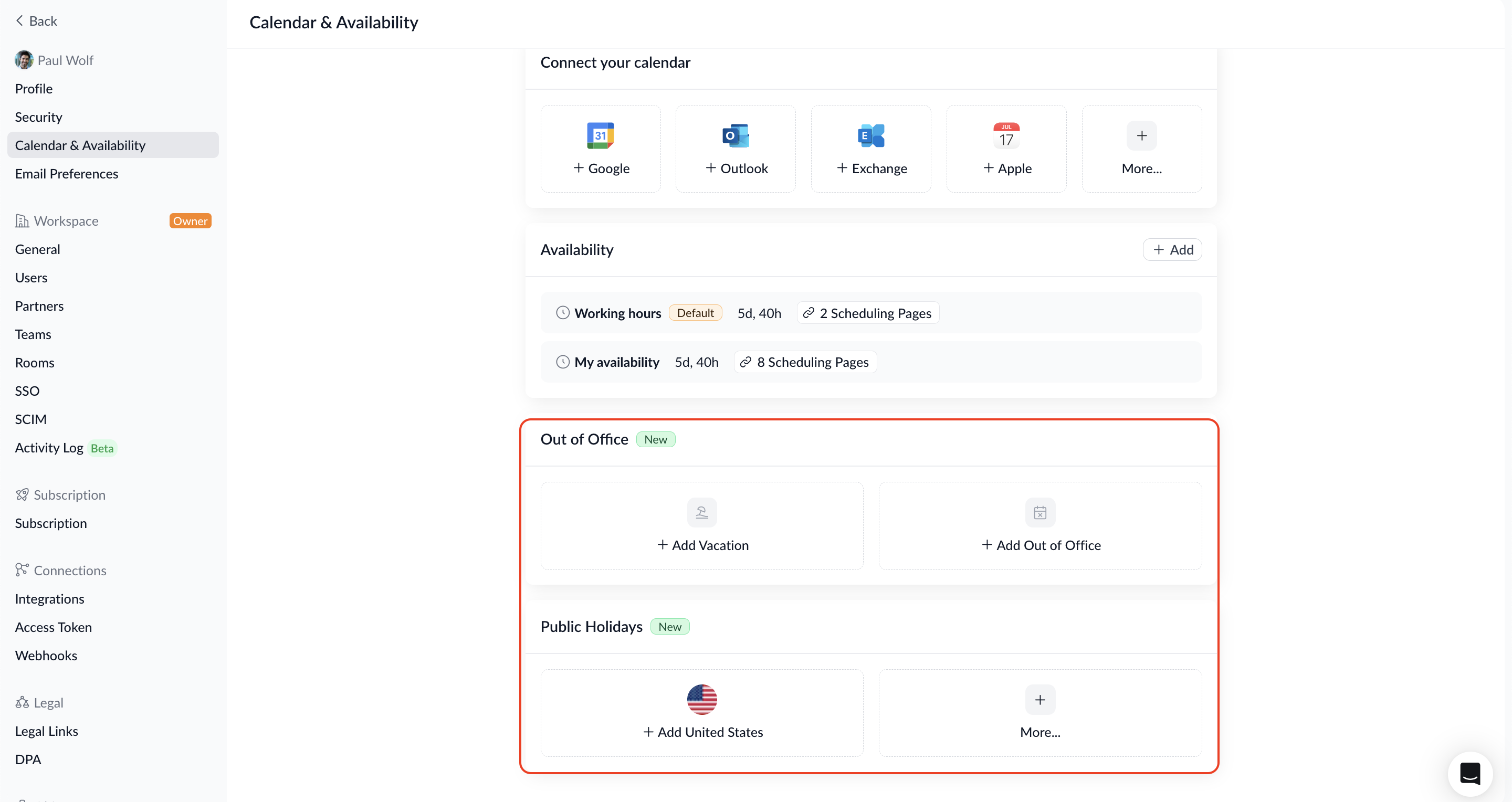
You now have even more control over your availability – you can define when you're not bookable directly via your home screen under "Calendar & Availability", whether it's a single doctor's appointment, a summer vacation, or public holidays in your country.
What's new:
- Out of Office: Start by choosing whether you want to add an out-of-office entry (e.g. for a single appointment) or a vacation (e.g. for a longer period). Then enter a title and select the relevant day or date range – optionally, you can mark both the start and end day as a half-day, specifying the time from which you become unavailable or from which you're available again respectively. You can also attach an internal note to any entry.
- Public Holidays: Select holiday calendars for any country and their subnational regions (e.g. states or provinces). Combine multiple holiday calendars and choose exactly which holidays to include – they'll automatically be blocked from your booking availability.
Why this matters: With out-of-office blocks, vacation periods, and country-specific public holidays, you now have even more ways to manage your availability in Zeeg – structured, flexible, and without workarounds. No more accidental bookings on public holidays or during vacation.