
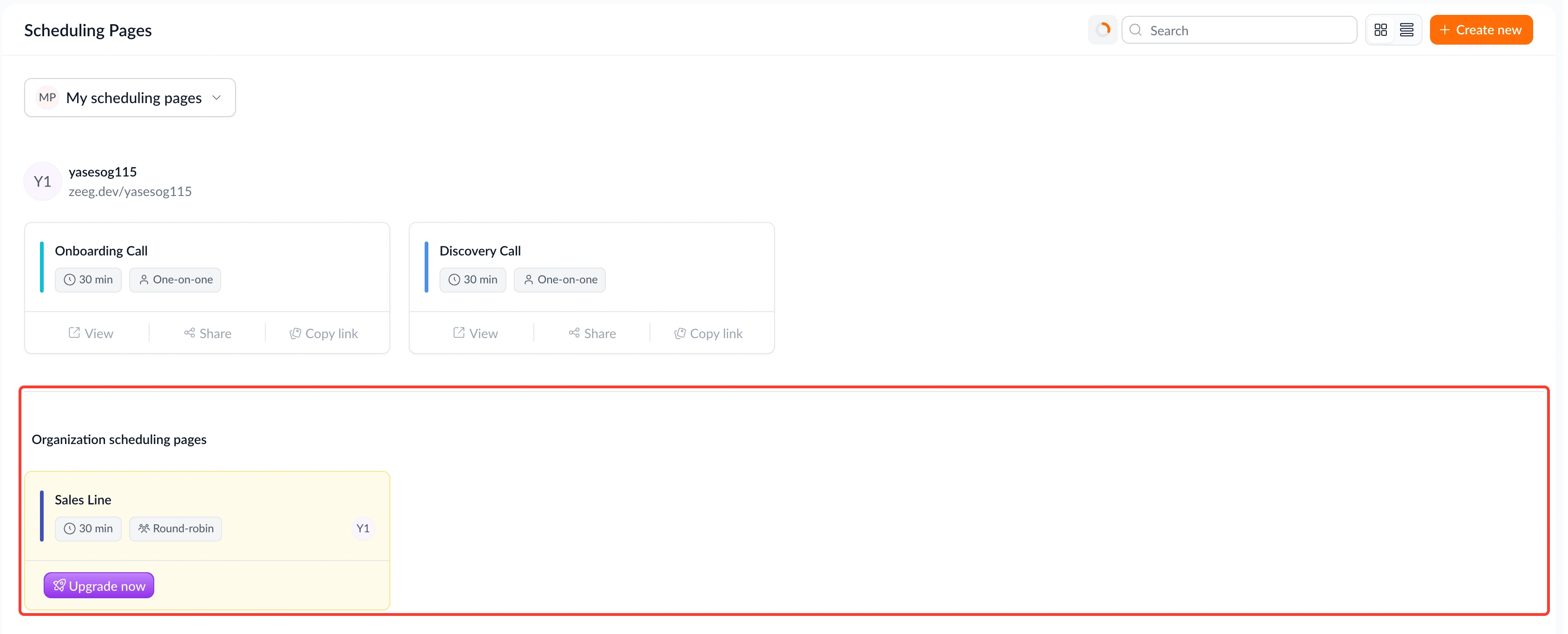
Team and organization scheduling pages are now a paid feature, with clearer handling when a subscription lapses.
What's new:
• Paid-only access – Users without an active paid plan can no longer create or use team and organization scheduling pages.
• Graceful pausing – If a subscription lapses, those pages are automatically paused, and visitors see a clear "no available times" state rather than a broken 404.
• Automatic restore – When a subscription is renewed, pages restore automatically with no manual re-enabling needed.
• Clearer dashboard status – Page owners now see an amber warning badge and an upgrade prompt when their subscription is inactive, and signed-in teammates see a clear paused message with a link to the dashboard.
Why this matters: A lapsed subscription used to leave team pages in a confusing, broken state for both owners and visitors. Now everyone sees exactly what's going on, and getting back up and running is automatic.
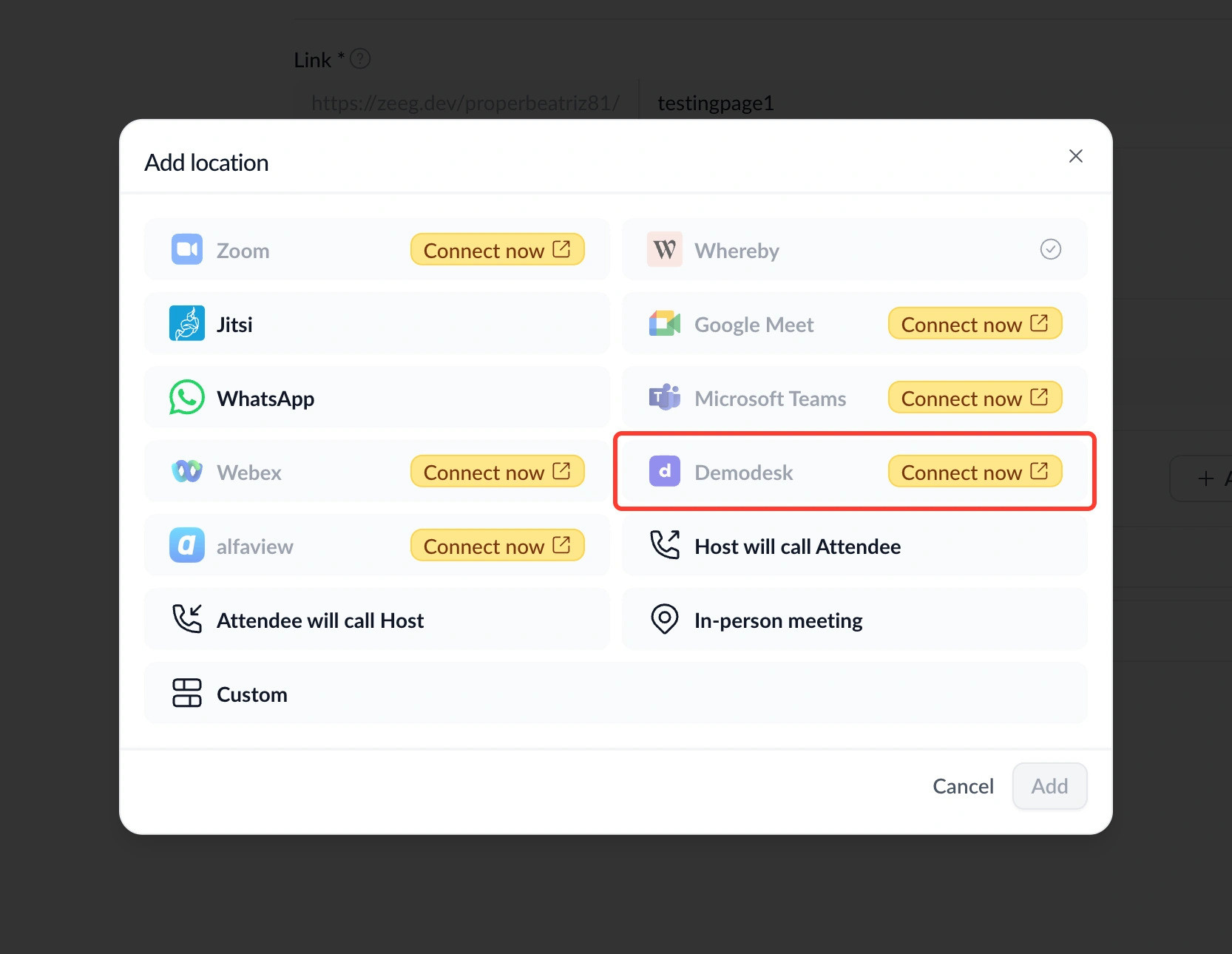
You can now use Demodesk as the meeting location for your event types.
What's new:
• Demodesk integration – Connect your Demodesk account under Integrations settings and select it as a location when setting up an event type.
• Automatic join links – When someone books, a Demodesk join link is generated automatically and included in the confirmation and notifications, just like Zoom works today.
• Simple setup – Connecting only requires pasting an API key; no extra IDs needed.
Why this matters: If Demodesk is already how your team runs demos and sales calls, you no longer have to juggle a separate tool just for scheduling. Booking and meeting setup now happen in one place.
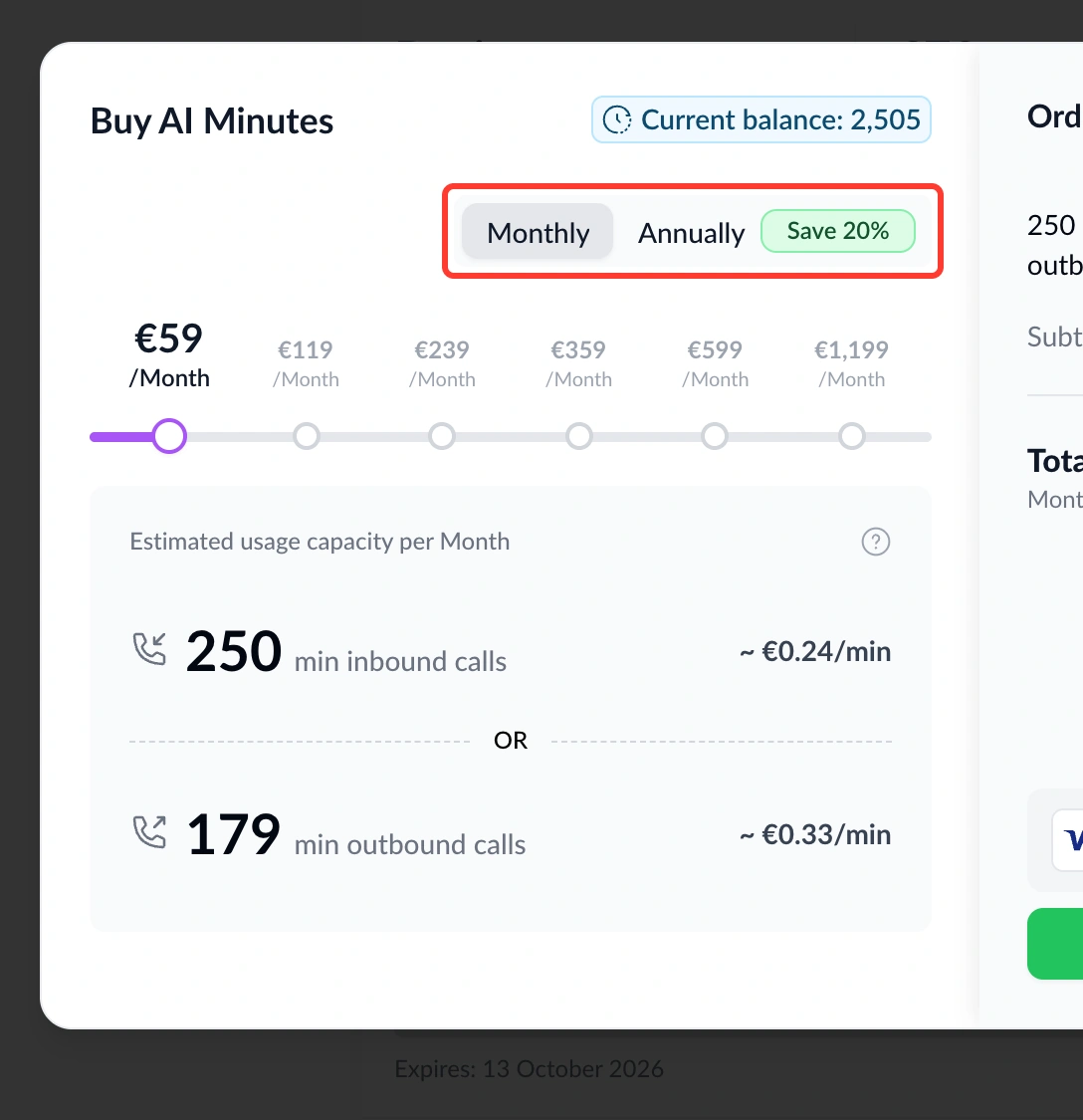
You can now pay for AI credits annually upfront, at a lower rate than paying monthly.
What's new:
• Monthly/yearly toggle – A toggle on the credits pricing page lets you choose between monthly and annual billing.
• Same monthly allocation – Credits are still allocated every month regardless of which billing cycle you choose.
Why this matters: If you already know AI minutes are part of your workflow, paying annually locks in a better rate without changing how credits show up for your team.
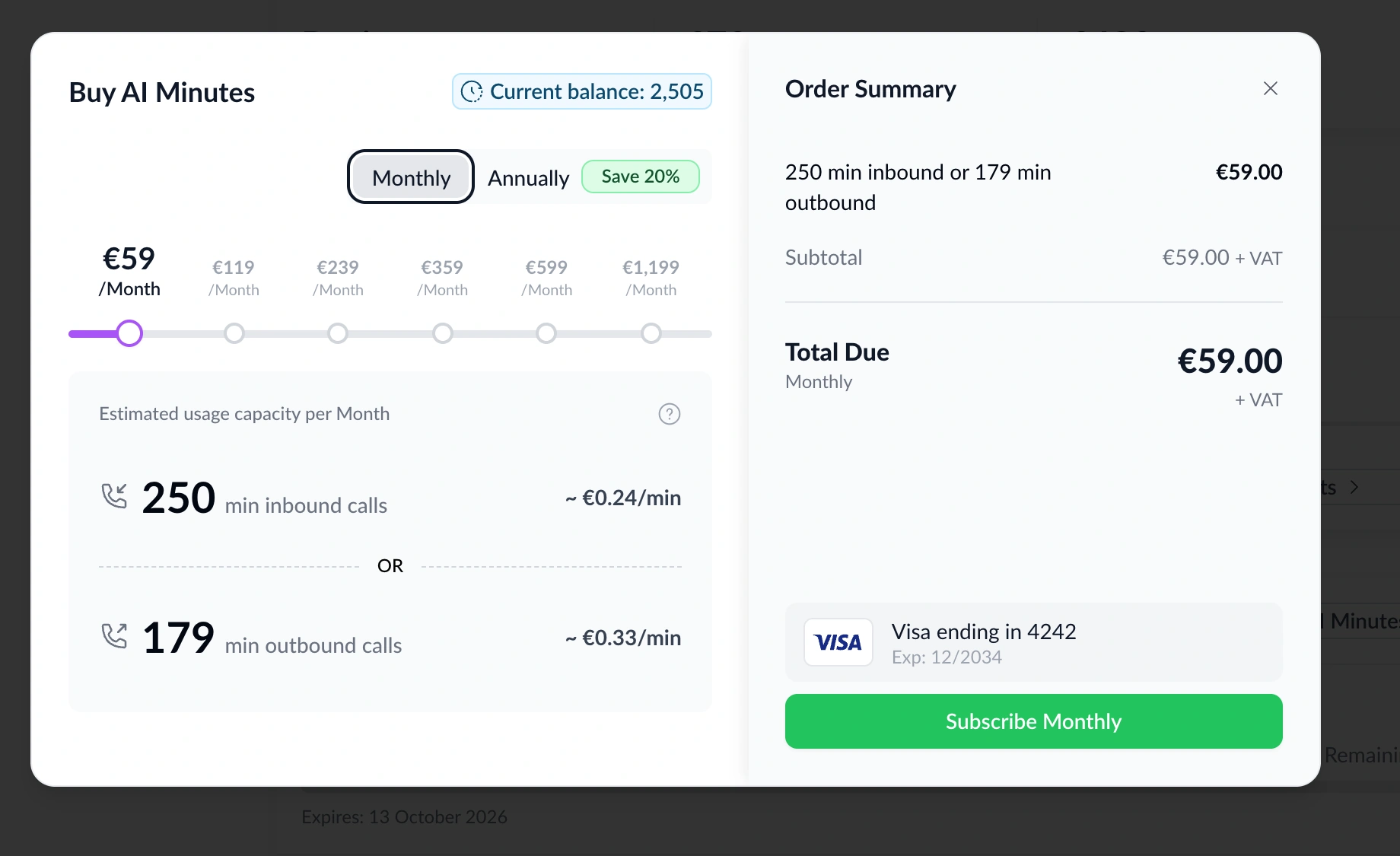
You can now buy AI minutes directly, even if you're not on a paid plan yet.
What's new:
• No subscription required – Visitors and free users can buy AI minutes directly, without needing a paid plan first.
• Instant activation – After checkout, your account stays on the free Starter plan with credits activated and ready to use.
Why this matters: Waiting on a sales conversation before you can even try AI minutes slows everyone down. Now you can get started the moment you decide you want to.

You can now find out right away if someone signs in to your account from a device or location Zeeg hasn't seen before.
What's new:
• New login alerts – If a login comes from a browser, operating system, or country your account hasn't been seen using before, you'll get a security email showing the device, approximate location, IP address, and time.
• Quick account protection – The email includes a link to secure your account if something looks off.
Why this matters: Account takeovers often go unnoticed until real damage is done. This gives you an early warning the moment something looks unfamiliar, so you can act before it becomes a bigger problem.
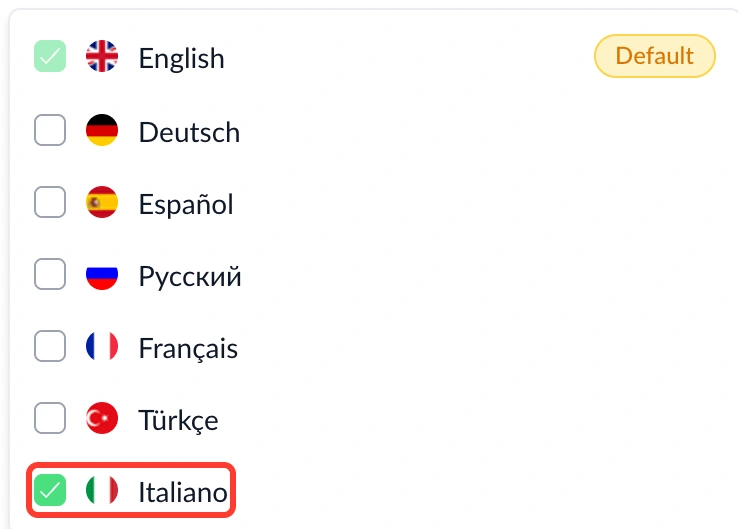
You can now set your AI voice agent to speak Italian.
What's new:
• Italian language support – Italian is now available as a language option for AI voice, alongside the languages already supported.
Why this matters: Reaching Italian-speaking callers in their own language builds trust from the first word of the call, without any extra setup on your end.
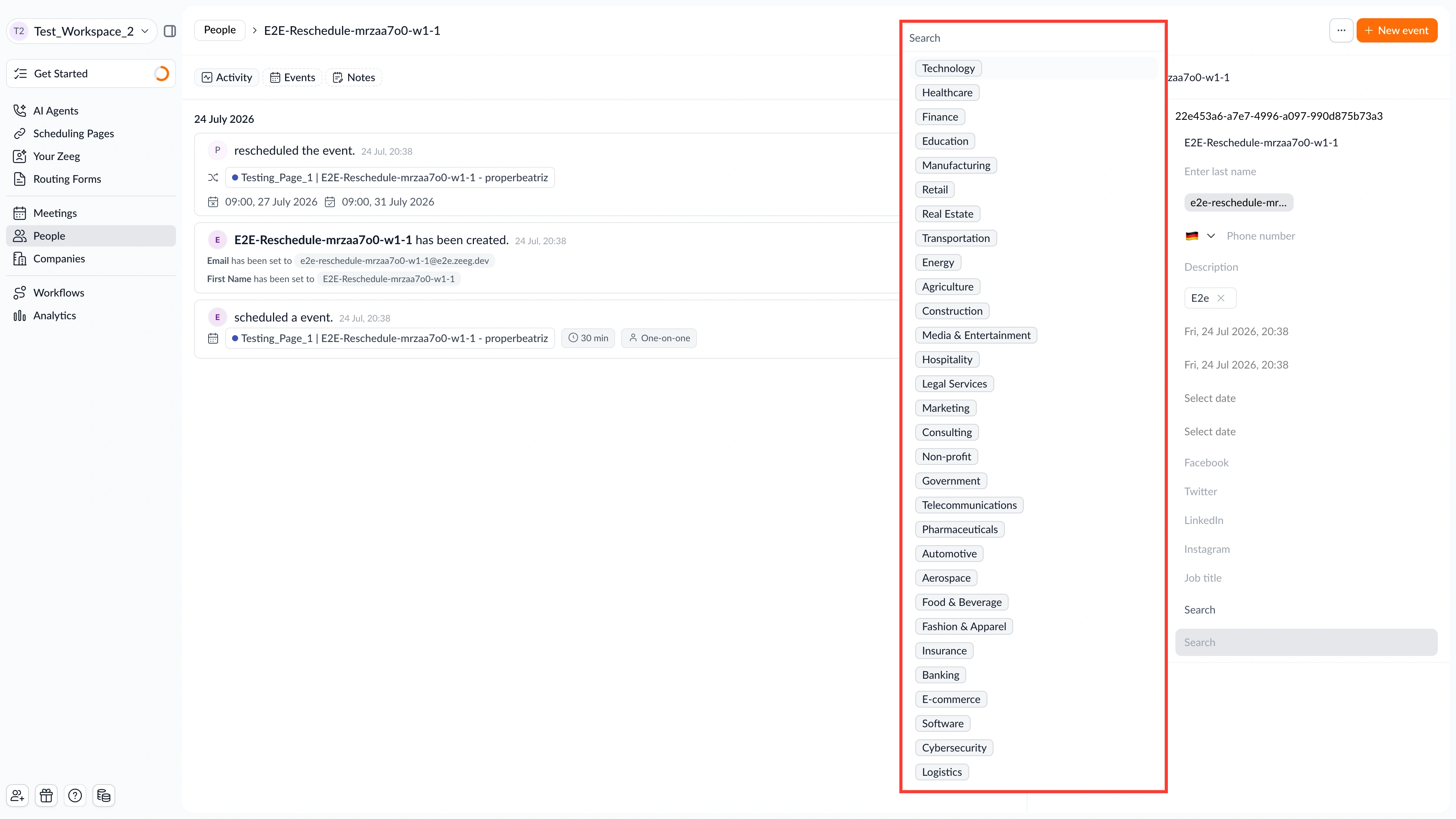
You can now add more values to a single select attribute without hitting an old cap.
What's new:
• 30 options per select attribute – Select attributes on the People object now support up to 30 options, up from 20.
Why this matters: Teams managing many legal entities, subsidiaries, or locations no longer have to leave values out or add them later. You can set up routing and booking pages fully from the start.
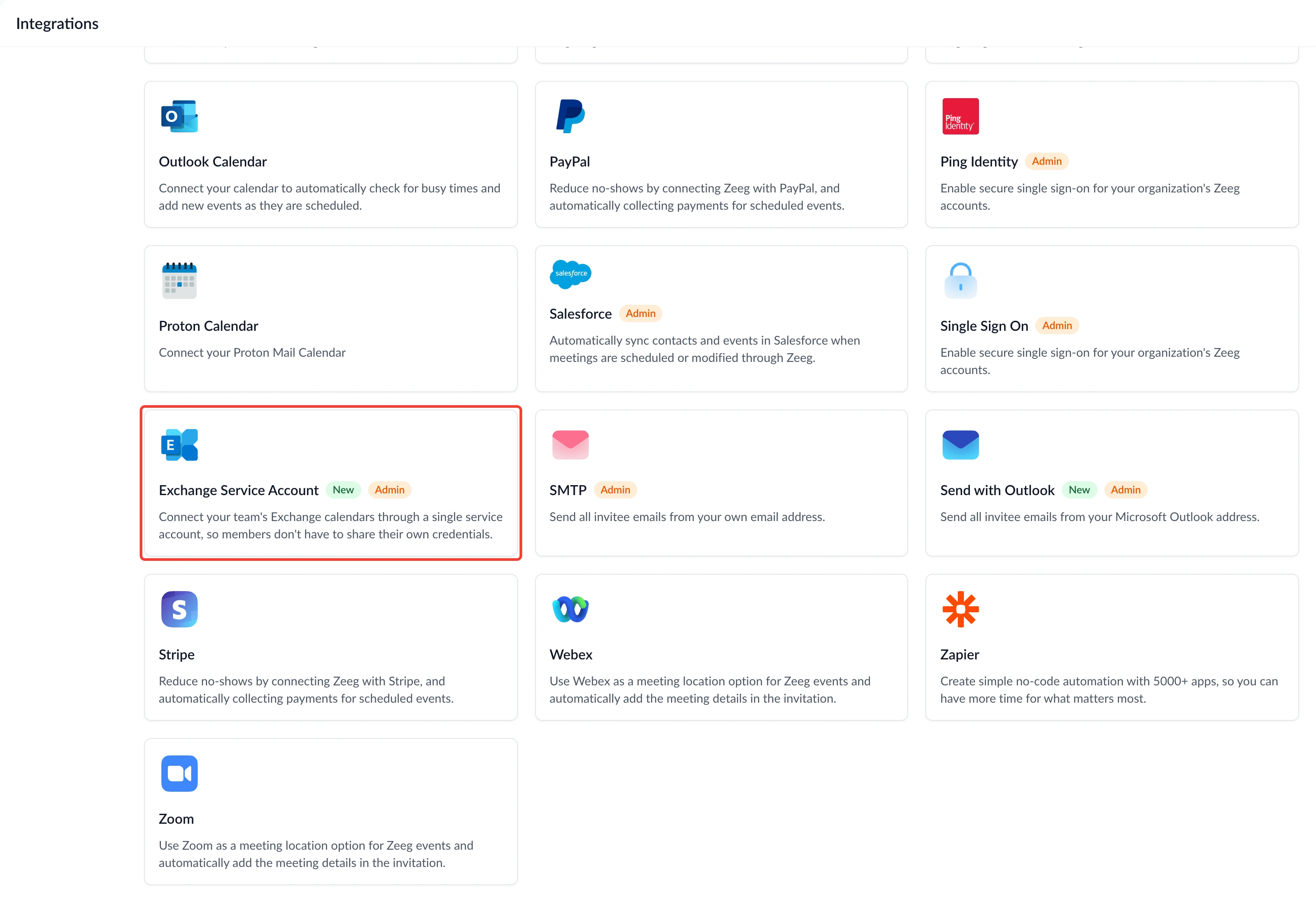
You can now connect Exchange On-Prem for your whole organization without asking anyone to hand over their personal password.
What's new:
• Exchange Service Account – Connect a single Exchange service account that acts on behalf of enrolled users, found under Integrations → Calendar → "Exchange Service Account".
• No personal passwords stored – The service account handles calendar access for everyone you enroll, so individual Exchange credentials are never collected.
Why this matters: Asking every team member for their Exchange password is a security headache and a common blocker for IT teams. One service account connection removes that friction while keeping calendar sync working exactly as before.
Exchange Service Account is available from the Business plan onwards.
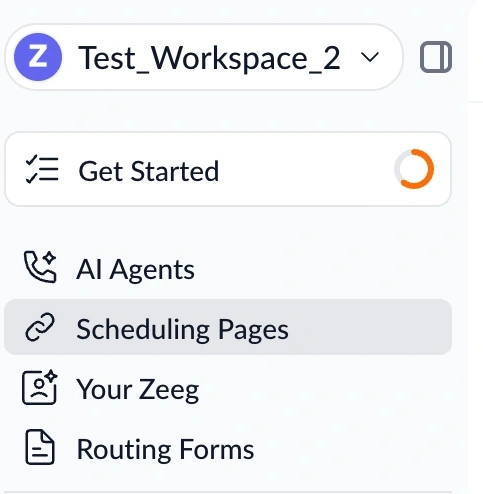
You can now revisit your onboarding checklist and welcome video anytime — not just once at signup.
What's new:
• Getting Started page – A dedicated page in the main nav replaces the old one-time popup, with your welcome video, auto-created scheduling and public pages, and an interactive setup checklist.
• Consolidated onboarding – The floating "first steps" widget and the onboarding popup are gone; everything now lives in one place.
• AI Agents spotlight – A dedicated section highlights AI Agents and makes it easy to explore them.
Why this matters: Onboarding used to be a one-shot moment you could easily lose track of. Now setup progress and helpful resources are always a click away in the nav, so you can pick up where you left off whenever you're ready.
You can now find and book a time on your phone faster than before.
What's new:
• Two-column time slots – On mobile, available times now display side by side instead of stacking in one long column.
• Auto-scroll to times – After you pick a date, the page automatically scrolls down to show your available times.
Why this matters: Scrolling through a long list of times on a small screen is tedious, and every extra tap is a chance for someone to give up. This layout gets invitees to a bookable time faster, right on the device most people actually use.