Pipedrive Meeting Scheduler Limitations: Why You Need Better


Pipedrive's built-in meeting scheduler might seem convenient at first glance, but dig deeper and you'll discover some serious limitations that could be holding your sales team back.
While having scheduling functionality inside your Pipedrive CRM sounds perfect in theory, the reality is quite different.
So, let’s explore Pipedrive scheduler’s limitations, and you’ll find out why you might want an alternative. In the end, we’ll show you how Zeeg, an AI voice agent and scheduling software made in Germany and fully GDPR-compliant, can fix all those things for your team.
Let prospects pick a time online, or call and book with Zeeg's AI voice agent, with every meeting synced to Pipedrive.
Sign up for freeWhat is Pipedrive's meeting scheduler and how it works
Let’s think of scheduling appointments as one of those necessary things in sales - you need meetings to close deals, but coordinating them manually can eat up hours of your day. Pipedrive's meeting scheduler tries to solve this problem by working like most appointment booking tools you've probably heard of (Calendly, Acuity, Zeeg and similar platforms).
The concept is simple: instead of playing email tag with prospects to find a meeting time, you share a link that shows your available slots. Prospects pick a time that works for them, and the appointment automatically appears in both your calendars.
The system offers two things:
- General availability for recurring meetings (discovery calls, demos)
- Specific times for one-off appointments (strategy sessions, presentations)
Basic features include:
- Pipedrive calendar syncs with Google, Outlook, and others
- Video conferencing integration (Zoom, Teams, Google Meet)
- Buffer time settings and timezone adjustments
- Email embedding and website integration
Once someone books, you both get confirmation emails, the meeting syncs with external calendars, and Pipedrive creates an activity record tied to your deal.
On paper, this sounds pretty good - and for basic scheduling needs, it works exactly as you'd expect. But when you need more than that, Pipedrive’s scheduler will feel limited. And that's what we’ll explain below.
👉 Read more:
Pipedrive Scheduler’s limitations
1. First, it’s expensive to have it
This is something that catches many businesses off guard: you can't even use the Pipedrive meeting scheduler unless you're paying quite a sum on a monthly basis.
First of all, Pipedrive doesn’t have a free plan. But also, the Lite plan excludes this feature completely, leaving you with manual back-and-forth scheduling. That means that you can only get this feature for at least $39/user/month. And the feature will be limited to one scheduling link per user.
What does that mean for your team? Let’s think of your marketing team, wanting to create different booking experiences for webinar signups, demo requests, and consultation calls. You'd need to upgrade to the Premium or Ultimate plans, which increases your monthly costs for quite a lot. A five-person sales team could easily see their Pipedrive bill jump from $195 to $245 monthly just to get basic scheduling functionality for everyone.
2. Customization is limited
Let’s admit it—professional appearance matters when prospects interact with your booking process. Unfortunately, Pipedrive's scheduler offers minimal customization options, which will make your booking page look generic and unprofessional.
You can't match your company colors, add your logo prominently, or create a booking experience that feels like an extension of your website. Instead, prospects see a basic form that screams "third-party tool" rather than reflecting your brand's personality. Compare this to what your competitors might offer - sleek, branded booking pages that reinforce their professional image while you're stuck with Pipedrive's bare-bones interface.
The problem gets worse when you realize you can't create different booking page designs for different purposes. Your quick 15-minute qualification call looks identical to your hour-long strategy session booking page. There’s a lack of visual differentiation that can confuse prospects, failing to set appropriate expectations for different meeting types.
3. Weak team coordination options
Sales teams rarely work in isolation, yet Pipedrive's scheduler treats each person as a separate entity. You can't coordinate availability across multiple team members, which creates real problems for businesses that need flexible team scheduling.
Picture this scenario: A high-value prospect wants to meet with both your sales director and technical specialist. With Pipedrive's scheduler, there's no way to automatically find mutual availability between these two people. You're back to manually coordinating calendars, completely defeating the purpose of having scheduling software.
Also, if you have a new prospect wanting to book with you, and want the scheduler to automatically assign that prospect to the right team…then don’t count on Pipedrive’s scheduler. Forget the meeting routing capability, as well as round-robin scheduling.
4. No integration with Apple calendar
Many times, sales teams use different calendars, which can mean different tools. But the Pipedrive scheduler has integration gaps that can derail your scheduling process. The most glaring issue? No direct support for Apple Calendar (iCal), which many professionals and businesses rely on as their primary calendar system.
If you're running your business on Apple devices and using iCloud Calendar, you'll need third-party workarounds that will just add complexity and potential issues. No point, really.
5. No pay-per-meeting available
When we’re talking about consultants, coaches, or service providers, they might need to collect payment when their appointments are booked - either as deposits or full payment for the session. Pipedrive's scheduler simply lacks this, forcing you to handle payments separately.
Consider a business coach who charges $150 for strategy sessions. Without integrated payment collection, they must either:
- Send separate invoices after booking (reducing no-show accountability)
- Use additional tools like Stripe or PayPal links (adding complexity)
- Handle payments manually during the call (unprofessional and time-consuming)
And there’s also sales teams offering paid consultations, premium product demos, or exclusive strategy sessions lose the ability to filter serious prospects from time-wasters through payment requirements.
Worse than doing things manually—by accepting a booking for a paid appointment that hasn’t been paid for, you’re exposed. There’s no guarantee that your prospect will actually show up.
Sure, maybe you can fix this with some third-party tool. But again, those are workarounds that will add more problems than solutions in the long run.
Why Zeeg delivers what Pipedrive's scheduler can't
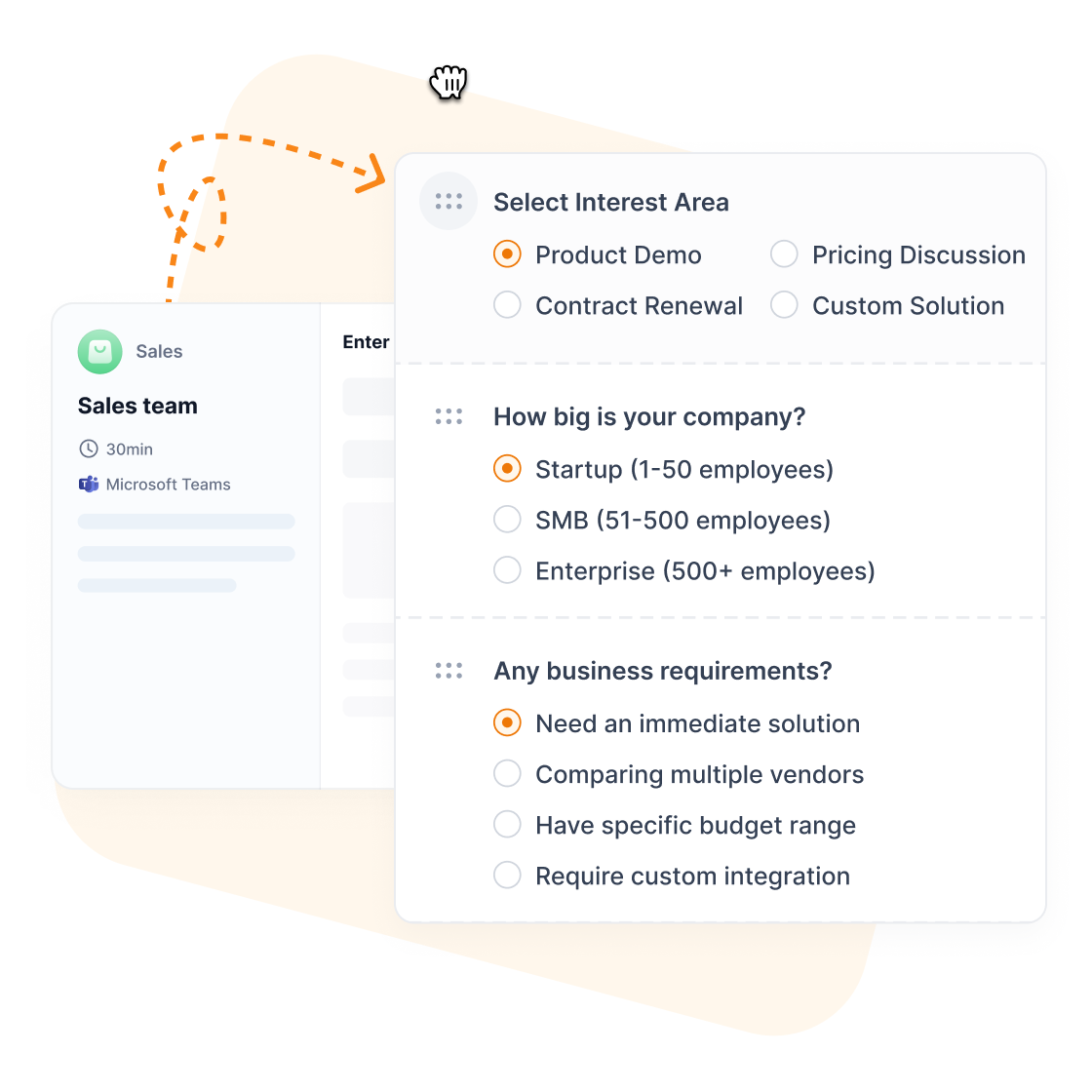
While Pipedrive treats scheduling as an add-on feature, Zeeg builds everything around calls and appointments. Every appointment, whether it's booked online or by the Zeeg AI voice agent over the phone, automatically creates or updates a contact record, with conversation notes permanently linked and follow-up automation running without manual intervention.
So, unlike Pipedrive's expensive and limited scheduler, Zeeg provides an AI voice agent that books callers, complete team coordination, unlimited booking pages, payment processing, and smart routing. Scheduling plans start at $10/month per user (billed annually), and the AI voice agent is sold separately in monthly minute packages from $49 for 250 minutes.
The collective appointment feature finds mutual availability across multiple team members automatically - something Pipedrive simply cannot do. When prospects need to meet with both technical and sales staff, Zeeg handles coordination automatically. And your meetings get routed to the right person or team.
Then, your booking pages can also get extensive branding capabilities that make scheduling feel like a natural extension of your business, while the built-in payment processing capability lets you collect deposits directly through the booking process (through secure integration with Paypal and/or Stripe).
Zeeg qualifies callers and online bookers and books them with the right person by territory, language or availability.
Sign up for freeAlready committed to Pipedrive? No problem.
You can integrate Zeeg seamlessly with your existing Pipedrive setup, keeping your established CRM workflows while adding AI phone booking and professional-grade scheduling. This gives you the best of both worlds: Pipedrive's familiar interface with Zeeg's AI voice agent, advanced appointment management, team coordination, and automated lead capture.
Zeeg is Europe's leading AI voice agent and appointment scheduling software in one solution — GDPR-compliant, made in Germany. Start for free →
.webp)