
The 11 Best Room Scheduling Software in 2026

.webp)
Whether you manage a corporate office, a co-working space, or a hotel, choosing the right room scheduling software makes a real difference in your day-to-day. With so many platforms available, it's hard to know which one fits your needs.
This guide covers the benefits of room booking software and ranks 11 of the best options on the market. Leading the list is Zeeg, Europe's leading AI voice agent and appointment booking software in one solution, GDPR-compliant, and made in Germany. Beyond calendar-based room reservations, its AI receptionist captures booking requests by phone, so no meeting room slips through unbooked.
Why do you need a meeting room scheduling system?
Managing meeting spaces effectively requires more than just a basic calendar. A room scheduling system helps you organize your workspace efficiently, whether you're booking conference rooms or managing multiple locations.
Better space management
Another good thing of having a room scheduling program? It’ll give you a complete view of your space usage. You can check room availability in real time, see upcoming bookings, and manage resources like projectors or video conferencing equipment. This visibility helps prevent scheduling conflicts and ensures your spaces are used efficiently.
Simplified booking process
With online room scheduling software, booking a meeting room becomes straightforward. Users can reserve spaces through a mobile-friendly interface, check room capacity and amenities, and even set up recurring meetings. The system automatically handles notifications and updates, keeping everyone informed of changes. For that purpose, you should check Zeeg, a meeting scheduling software that also lets you book rooms.
Resource optimization
A good room utilization software can also help you understand how your spaces are being used. You can track usage patterns, identify underutilized rooms, and make data-driven decisions about your space management. This insight is particularly valuable for growing organizations that need to optimize their resources.
The 11 best room scheduling systems
1. Zeeg - Best AI voice agent and scheduling tool with room booking
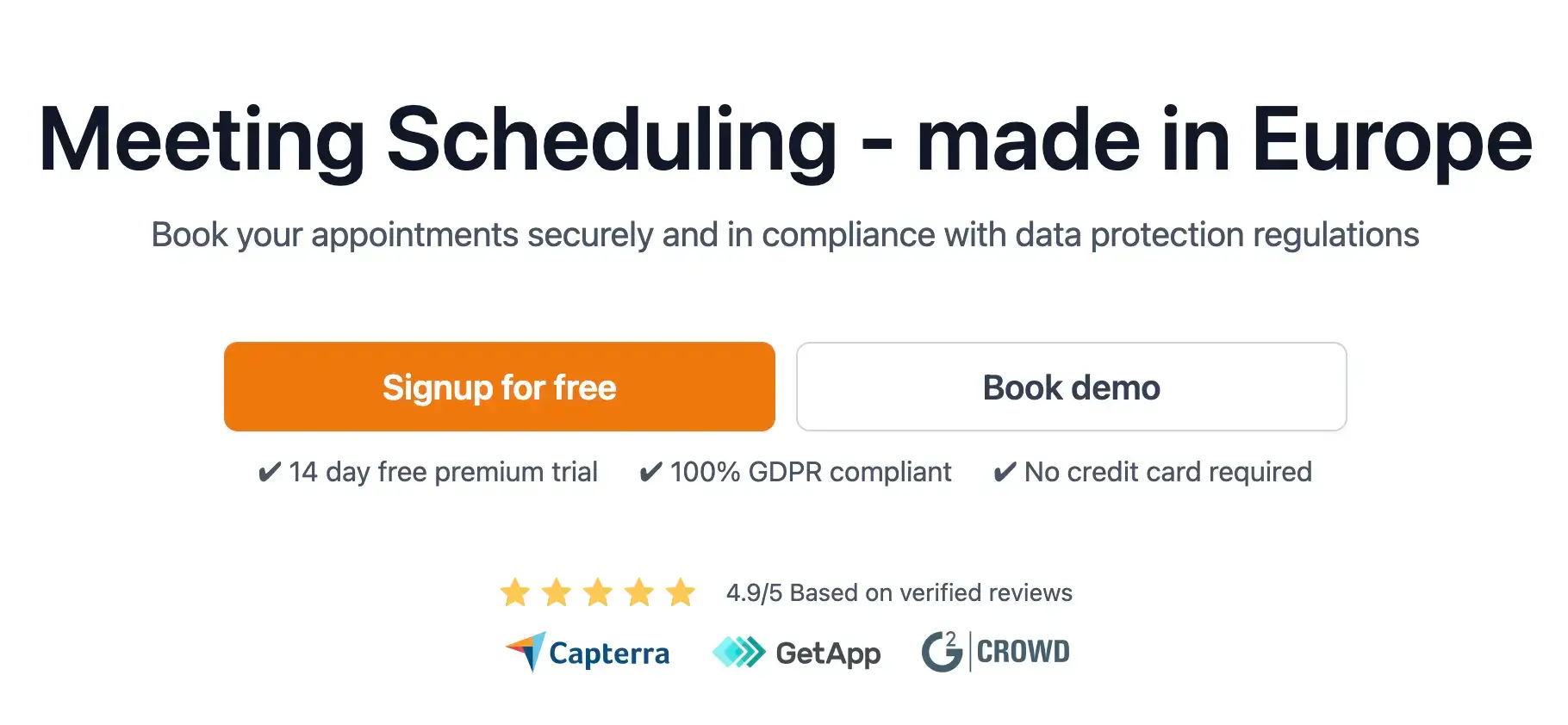
Zeeg is mostly known as a smart scheduling software for your meetings, but it also allows you to book rooms through Microsoft365, by connecting Outlook or Exchange calendars. Basically, you can take advantage of advanced scheduling features and manage your room booking easily.
All you have to do is to get Zeeg platform, and it will integrate seamlessly with your online calendar tool. From that moment on, you'll be able to streamline your meeting and room booking.
Key features
- Multi-calendar management across platforms
- Ai voice agents that take calls and book appointments
- Integration with multiple calendars (Google Calendar, Microsoft 365, Apple Calendar)
- Room booking and scheduling (Microsoft 365 and Microsoft Exchange)
- Custom booking rules and access permissions
- Video conferencing integration (Zoom, Teams, Meet)
- Scheduling automation, with automated reminders and smart booking rules
A scheduling tool can be much more efficient when it is able to connect with your existing tech stack. Zeeg offers a myriad of built-in integrations to automate your scheduling workflow: from iCal, Microsoft Teams, and Google Calendar to Paypal or Stripe, Salesforce, Zapier or Zoom. You keep control of your meetings and tools in one single place.
Pros and cons
✅ Focused on meeting scheduling automation
✅ Secure and GDPR compliant
✅ Includes free plan and 14-day free trials for paid plans
✅ Seamless integrations with multiple business tools
✅ Available in multiple languages
❌ Mobile app not yet available
Pricing
Zeeg offers three price plans:
- Starter (Free) - Includes 2 scheduling pages
- Professional (from $10 /month) - Includes analytics and customized notifications
- Business (from $16 /month) - Includes 6 calendar connections and advanced integrations
- Enterprise (custom price) - Unlimited users and dedicated account manager
2. OfficeRnD - Best for flexible working spaces
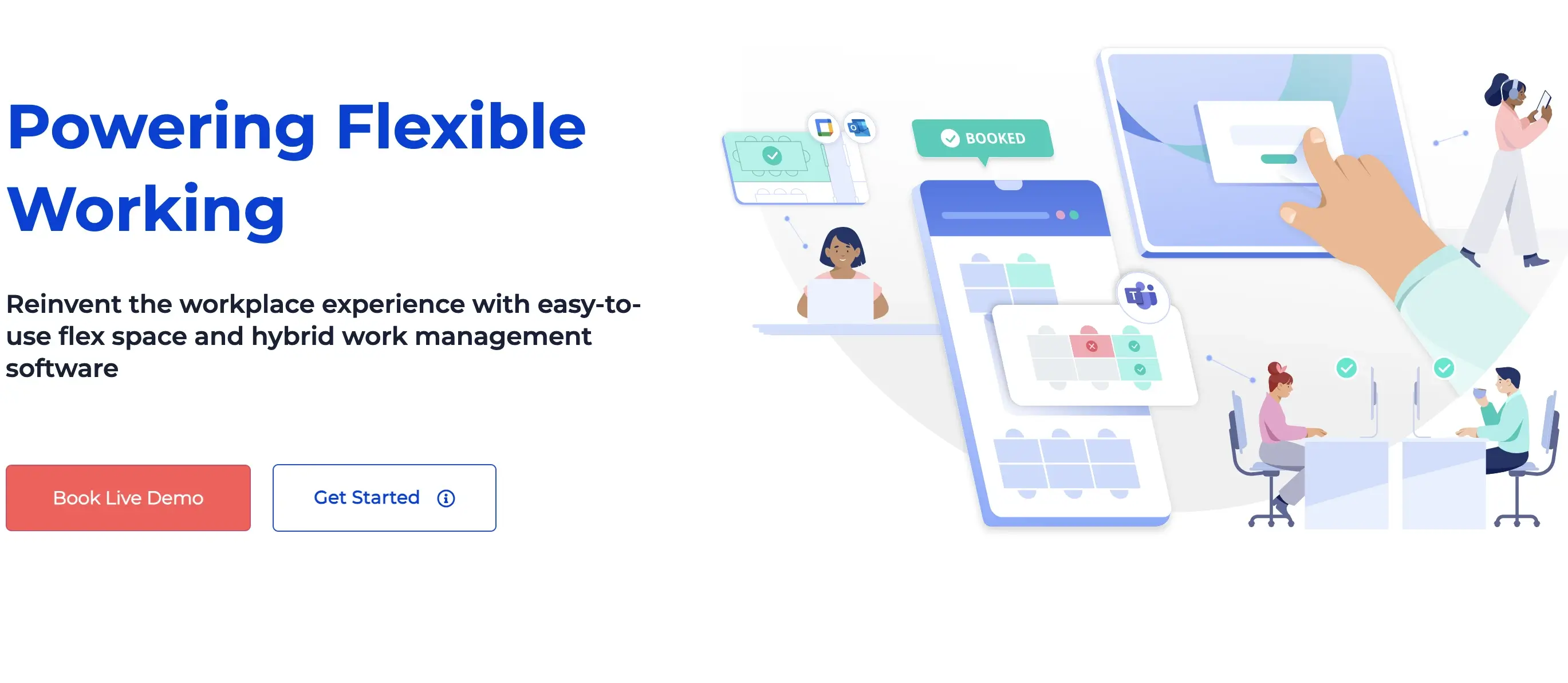
OfficeRnD offers two room scheduling systems: one suited for coworking spaces (OfficeRnD Flex) and the other focused on hybrid working spaces (OfficeRnD Hybrid). They both have different features and pricing, which you can check below.
Key features
- Branded booking apps
- Custom dashboards
- Bundle booking credits with coworking plans
The software for room scheduling developed by OfficeRnD is comprehensive and can be deployed on multiple scenarios with a high degree of customization, including landlord property management and automated billing processes.
Pros and cons
✅ Highly customizable
✅ Extensive built-in integrations with business tools
✅ Includes a free plan for hybrid workplaces
❌ Not suited for traditional workspaces
❌ Some glitches and bugs on the mobile app
Pricing
OfficeRnD Hybrid focuses on hybrid working spaces with four plans:
- Free (from 0€ /month) - Up to 20 users and 20 resources
- Start (from 199€ /month) - Up to 150 users
- Professional (from 399€ /month) - Up to 1000 users
- Enterprise (from custom pricing) - Unlimited users and dedicated customer agent
OfficeRnd Flex is designed to for Coworking places with three pricing plans:
- Start (from 155€ /month) - 1 location, up to 100 members
- Grow (from 249€ /month) - 2 locations, up to 200 members
- Scale (custom pricing) - Tailored to your needs
3. Skedda - Best for multi-purpose spaces
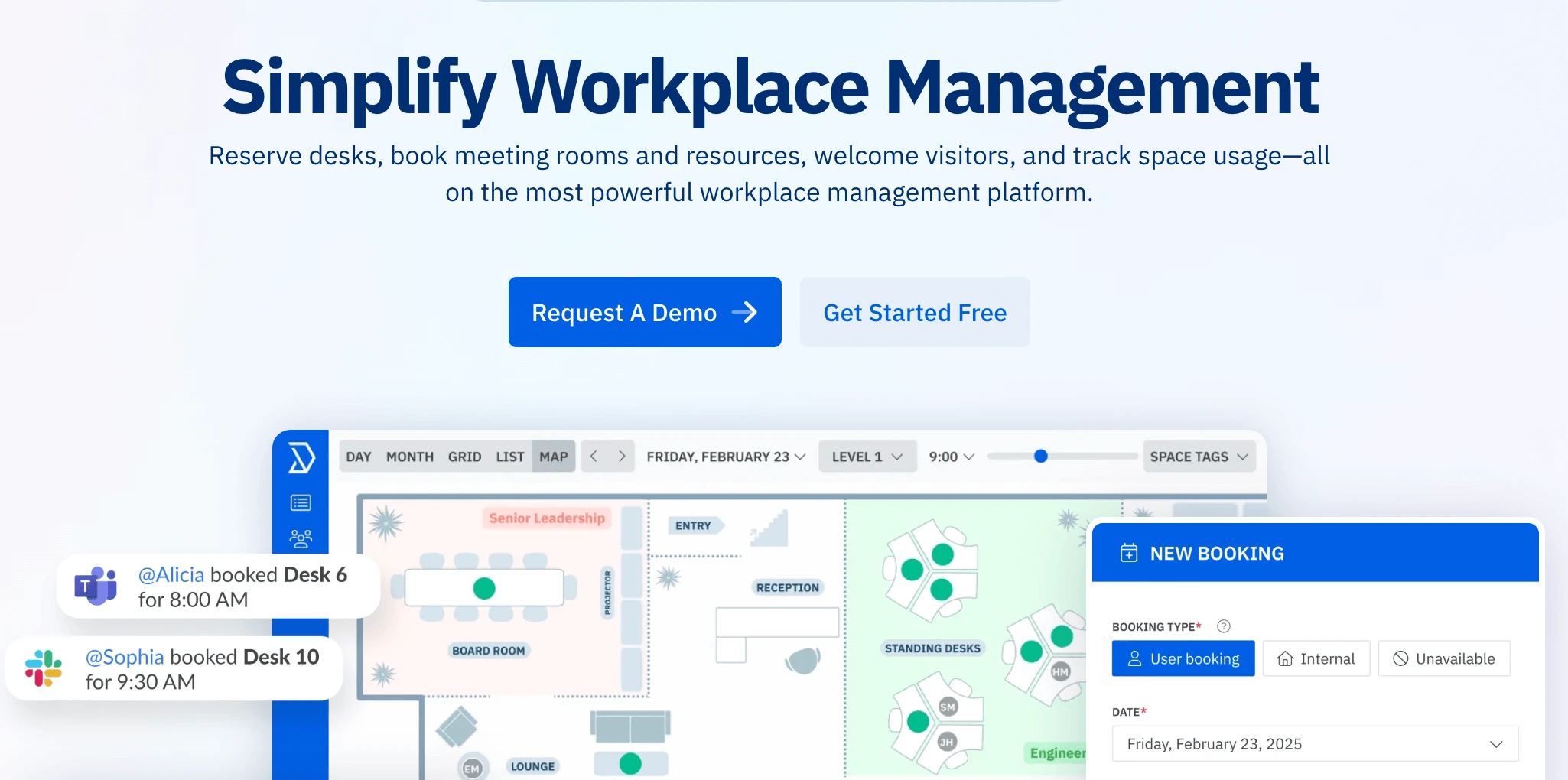
Skedda's online room scheduling software can be deployed in different working environments, including companies, sports venues, universities, and labs. For that purpose, you can create different booking rules across user segments.
Key features
- Interactive floor plans and space images
- Group workspaces according to departments or teams
- Visitor management
The meeting room capabilities can go from simple options to complex automation. Skedda analytics allow you to learn how the rooms and amenities are used in an intuitive way, contributing to more informed decisions.
Pros and cons
✅ Great customer service
✅ Multiple customization options
✅ Intuitive setup and navigation
❌ No free plan
❌ Only available in English
Pricing
- Starter ($99 / month) - 15 spaces and unlimited users
- Plus ($149 /month) - 20 spaces and full insights dashboard
- Premier ($199 /month) - 25 spaces and full rules engine
4. Archie - Best for coworking space automation
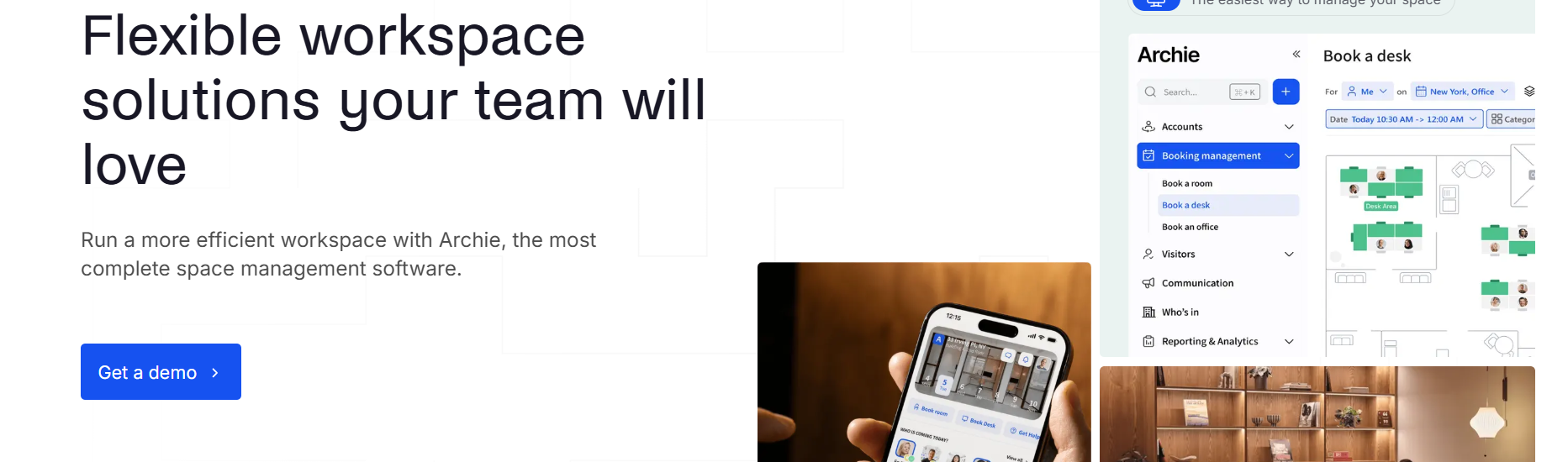
Archie’s meeting room booking software helps organizations simplify room reservations, improve workspace utilization, and eliminate scheduling conflicts. The platform combines room booking, interactive floor plans, workplace analytics, room displays, and calendar integrations into a single workplace management solution.
Key features
- Meeting room booking and scheduling
- Interactive floor plans and wayfinding
- Outlook, Google Calendar, and Microsoft Teams integrations
- Room displays with QR code check-ins
- Custom booking policies and approvals
- Occupancy analytics and space utilization reporting
- Mobile, web, kiosk, and room-display booking options
Unlike traditional scheduling tools, Archie offers multiple ways to reserve and manage meeting spaces while providing administrators with detailed control over booking rules, room access, and workspace analytics. Teams can reduce no-shows, optimize room usage, and streamline workplace coordination from a centralized dashboard.
Pros and cons
✅ Intuitive room booking experience across web and mobile
✅ Interactive floor plans and room displays
✅ Integrates with Microsoft Teams, Outlook, Google Calendar, and Slack
✅ Advanced workplace analytics and occupancy tracking
❌ Pricing is not publicly available for all plans
❌ Initial setup may require configuration for larger organizations
Pricing
Archie offers room-based pricing plans and custom enterprise options depending on the number of meeting rooms, locations, and workplace requirements. Contact the sales team for a personalized quote or demo.
5. Clearooms - Best for hybrid spaces
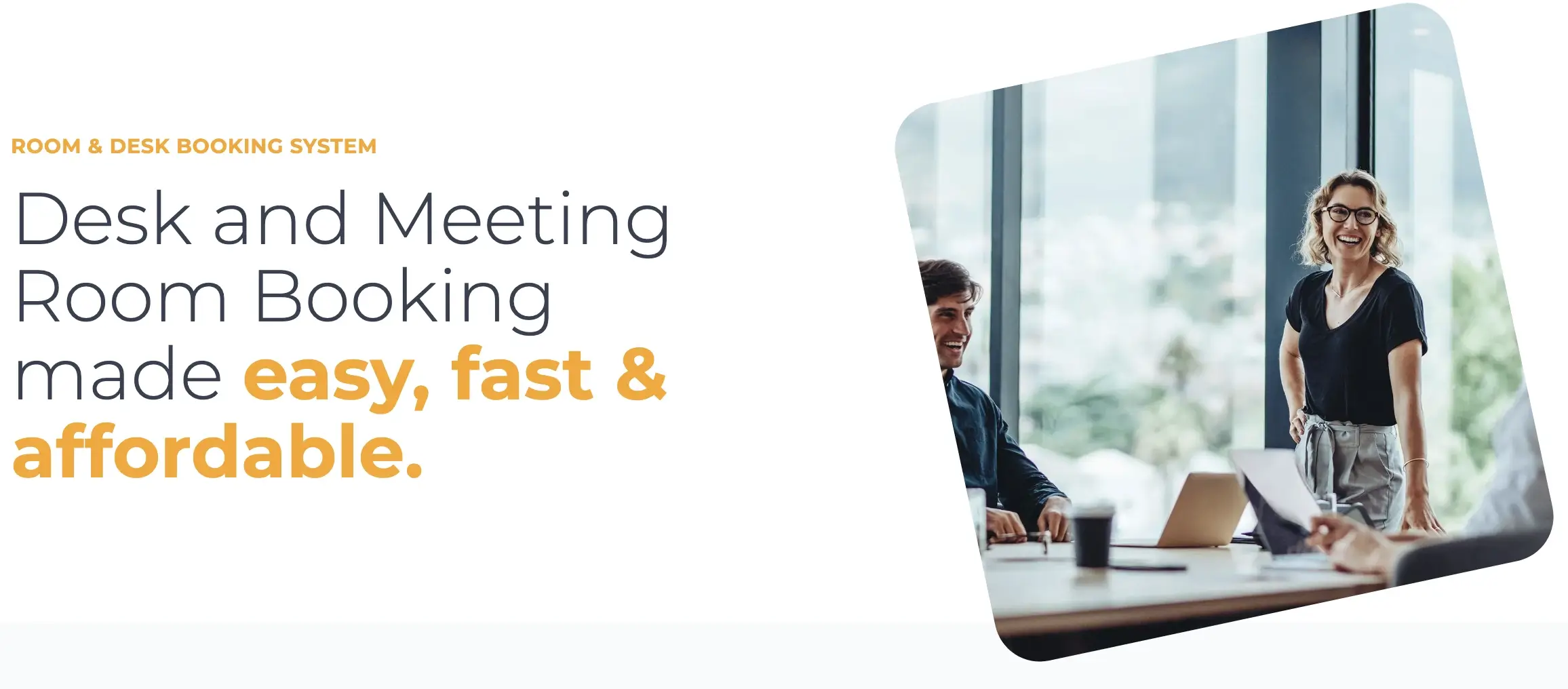
Clearroms is specially designed for hybrid spaces, with hot desking - flexible workspaces where desks (and meeting rooms) can be used by different people at different times.
Key features
- Interactive floor plans
- Intuitive hot desking setup
- Reports to optimize space management
Hybrid work arrangements are growing in popularity, and Clearooms helps you automate the management of this kind of space, optimizing hot desking and room schedules for different people who don’t necessarily belong to the same organization.
Pros and cons
✅ Editable room plans
✅ Customizable room services
✅ Enter and end meetings through your phone
❌ No free plan
❌ Doesn’t support iCal (Apple calendar)
Pricing
Clearooms pricing is based on the number of desks and rooms. There are eight price plans for desks and one for meeting rooms:
- 12€ per meeting room
- 1-19 desks (75€ /month)
- 20-49 desks (115€ /month)
- 50-99 desks (185€ /month)
- 100-199 desks (325€ /month)
- 200-299 desks (510€ /month)
- 300-399 desks (800€ /month)
- 400-499 desks (1230€ /month)
- +500 desks (custom pricing)
6. Optix - Best for co-working spaces
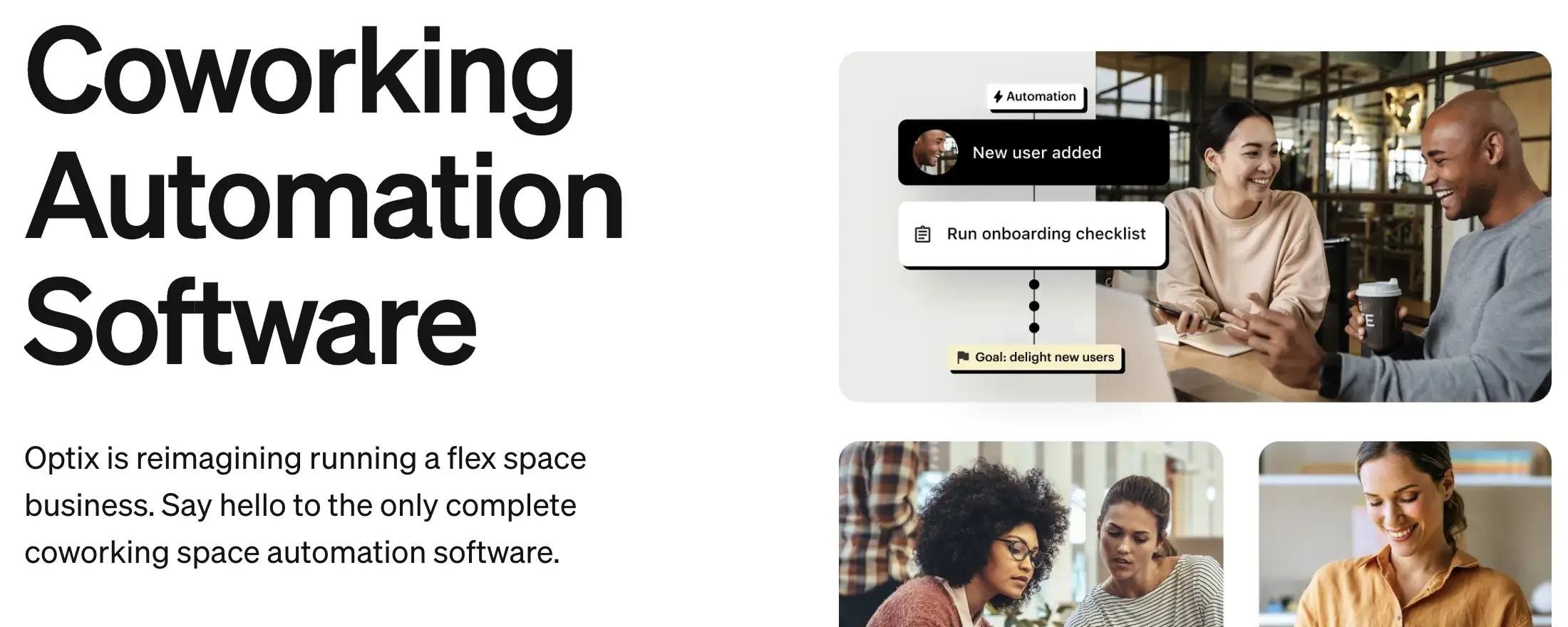
Optix provides specialized solutions for managing co-working spaces and flexible workplaces. The platform helps space operators handle everything from member management to resource booking, making it particularly valuable for shared workspace environments.
Key features
- Test configurations (to build what-if scenarios)
- Drag-and-drop stack planning
- Reserve via Slack of Microsoft Teams
Optix stands out with its focus on creating engaging experiences for co-working members. The platform combines practical space management with community-building features, helping workspace operators maintain high occupancy rates while fostering member connections. Its mobile app gives members easy access to book rooms, join events, and connect with other community members.
Pros and cons
✅ Multi-location management
✅ Automated invoicing
✅ +5000 integrations
❌ Only available in English
❌ Not suited for traditional workspaces and meeting rooms
Pricing
Optix offers four pricing plans with different features and user seats:
- Essentials (from $197/month) - 50 active users
- Pro (from $299/month) - 100 active users
- Grow (from $498/month) - 250 active users
- Scale (custom pricing) - +500 active users
7. OfficeSpace - Best for growing companies
Companies experiencing exponential growth can benefit from OfficeSpace's unique features to plan and test different office scenarios and space allocations, even more so if there is a hybrid working policy in place.
Key features
- Test configurations (to build what-if scenarios)
- Drag-and-drop stack planning
- Reserve via Slack of Microsoft Teams
Office space is an advanced and comprehensive room scheduling system suited for complex and dynamic office scenarios. The platform allows you to manage current and future office needs while also integrating with some of the most popular business tools.
Pros and cons
✅ Quantify team space needs with target sharing rations
✅ Wayfinding tools
✅ Streamline facility requests
❌ Most room booing features not available on the Lite version
❌ Not very intuitive
Pricing
OfficeSpace offers three plan options (Lite, Essentials and Pro), but all pricing options are custom and discussed upon request.
8. Yarooms - Best for a digital reception
Yarooms makes it easy to understand what is happening in an entire office, thanks to its intuitive floor plans. It also offers a digital assistant to optimize your front desk so that users and visitors can check in or book spaces without the need for human intervention.
Key features
- Digital check-in
- Time buffers
- Granular user permissions
This room scheduling system offers people flow control, customized time buffers between meetings, and the possibility to assign multiple user permissions, which can be particularly useful for big organizations.
Pros and cons
✅ Meeting room display (to check what’s happening inside)
✅ Advanced visitor management system
✅ AI assistant for meeting room bookings
❌ Limited plan options
❌ Not suited for small organisations
Pricing
- Starter ($200/month) - room booking and interactive office map
- Business ($500/month) - hybrid work planning and analytics
- Enterprise (custom pricing) - custom features and API access
9. Smartway2 - Best for space recommendations
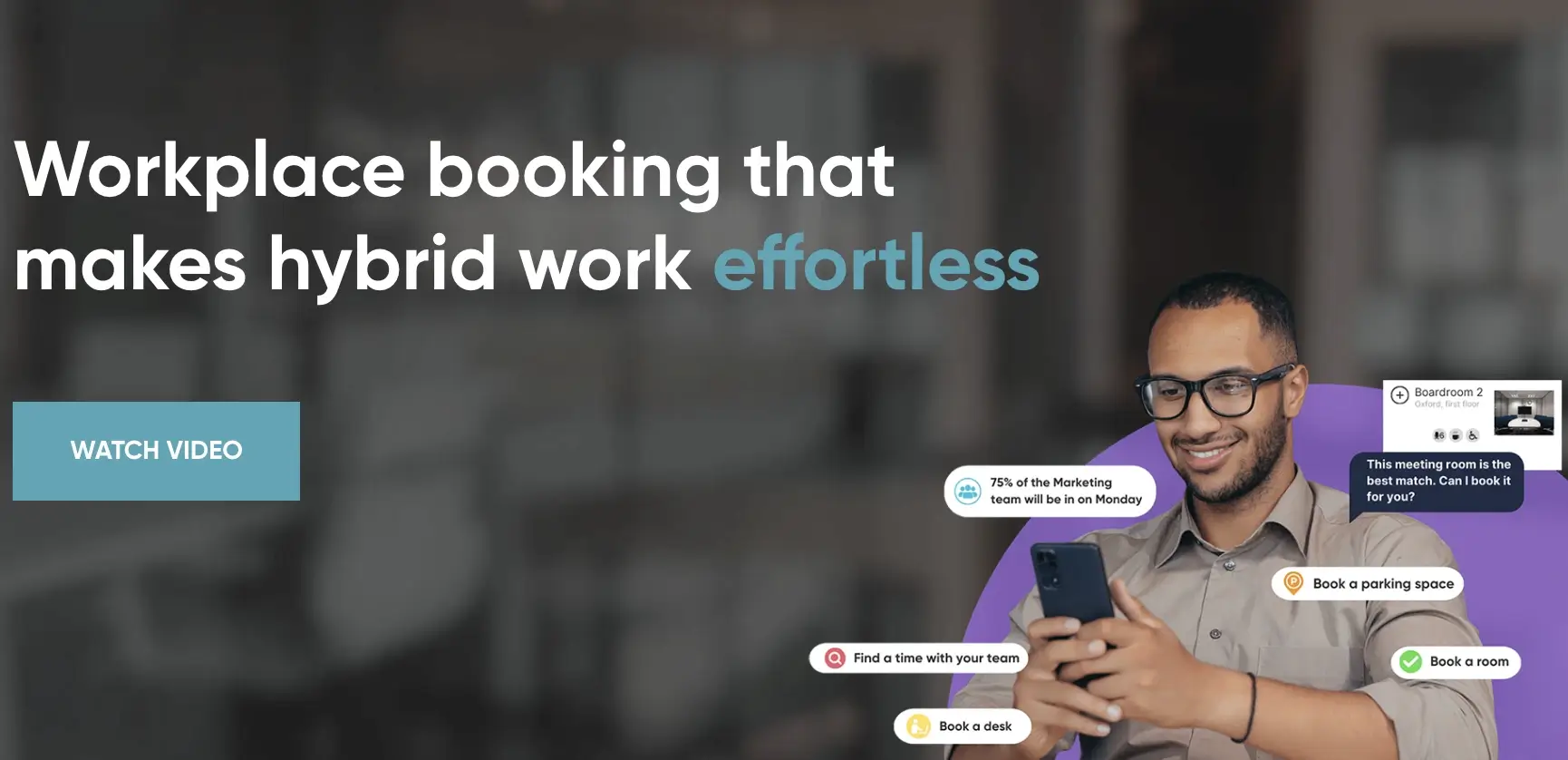
Smartway2 stands out by allowing users to find the perfect space for their specific needs in just a few clicks. Its digital concierge can assist in finding the right equipment, time, and people.
Key features
- Automated space recommendations
- Event management
- Advanced analytics
Contrary to some of its competitors, Smartway2 cannot be set up right away: it requires a demo request, where you can discuss the next steps and the type of features you need to create a catered solution.
Pros and cons
✅ Configurable services - including catering and cleaning
✅ Real-time resource tracking
✅ Intuitive set up and navigation
❌ Limited integrations
❌ Some training required
Pricing
Smartway2 works with custom pricing on all its offers, that is only reveled after requesting the initial demo.
10. Tactic - Best to evaluate hybrid working policies
Tactic is a workplace management solution particularly suited for hybrid companies that want to evaluate and test different working policies, managing their implementation from a single platform.
Key features
- Policy and leave management
- Custom booking rules
- Office insights
With Tactic, you will be available to understand the behavior and trends of your team or even the entire workforce. Besides the obvious room schedule feature, the platform also provides you the ability to manage the employee leave days.
Pros and cons
✅ Possibility to subscribe for a single room or desk
✅ Book and cancel reservations on behalf of others
✅ Create and require health check screenings
❌ Limited customization capabilities
❌ Not suited for large multi-purpose offices
Pricing
Tactic pricing plans are based on the number of desk or rooms you want to manage:
- $3/desk per month
- $6/room per month
- Visitor management - $99/location per month
11. Robin - Best for smart office management
Robin provides comprehensive workspace management solutions with a focus on smart office features. Their platform combines room booking capabilities with advanced space mapping and digital signage, making it particularly valuable for modern offices seeking detailed usage insights and flexible booking options.
Key features
- Interactive office space mapping
- Digital signage for room status
- Bluetooth beacon technology
- Mobile app with issue reporting
- Resource booking and management
- Advanced workplace analytics
Robin stands out with its intelligent approach to office space management. The platform lets you visualize your entire office layout while providing real-time updates on room availability. Its digital signage feature shows current room status, enabling on-demand booking, while the mobile app lets employees report issues and book spaces on the go. The bluetooth beacon technology provides detailed usage metrics, helping organizations understand how their spaces are actually being used.
Pros and cons
✅ Smart office mapping and visualization
✅ Comprehensive mobile app functionality
✅ Bluetooth-enabled usage tracking
✅ Scalable room-based pricing model
❌ Pricing can get expensive for larger offices
❌ Some features may be complex for smaller teams
Pricing
Robin offers custom pricing based on the number of rooms and features needed. Contact their sales team for a detailed quote tailored to your organization's needs.
Bottom line: Which room scheduling software should you choose?
Selecting the right room scheduling software depends on your organization's specific needs. While specialized solutions like Optix and OfficeRnD excel for co-working spaces, and platforms like Robin offer advanced features for complex office layouts, Zeeg emerges as a versatile option that combines the best of both worlds.
Zeeg's strength lies in its seamless integration with Microsoft365 and existing calendar systems, making room booking straightforward within your current workflow. The platform's scheduling automation, extensive integrations, as well as GDPR compliance, provide a comprehensive solution at an accessible price point, with a free plan, and paid options starting at $10 monthly.
When choosing your solution, consider:
- Your workspace type and size
- Budget and pricing preferences
- Required integrations with existing tools
- Need for specialized features
- Team's technical expertise
Most platforms offer free trials or demos - take advantage of these to ensure the software fits your needs before committing long-term.
All prices were lat checked on 30 December 2025 on the official pricing pages:
- OfficeRnD Flex
- OfficeRnD Hybrid
- Skedda
- Clearooms
- Officespace
- Yarooms
- Tactic
- Robin
Zeeg is Europe's leading AI voice agent and appointment scheduling software in one solution — GDPR-compliant, made in Germany. Start for free →


