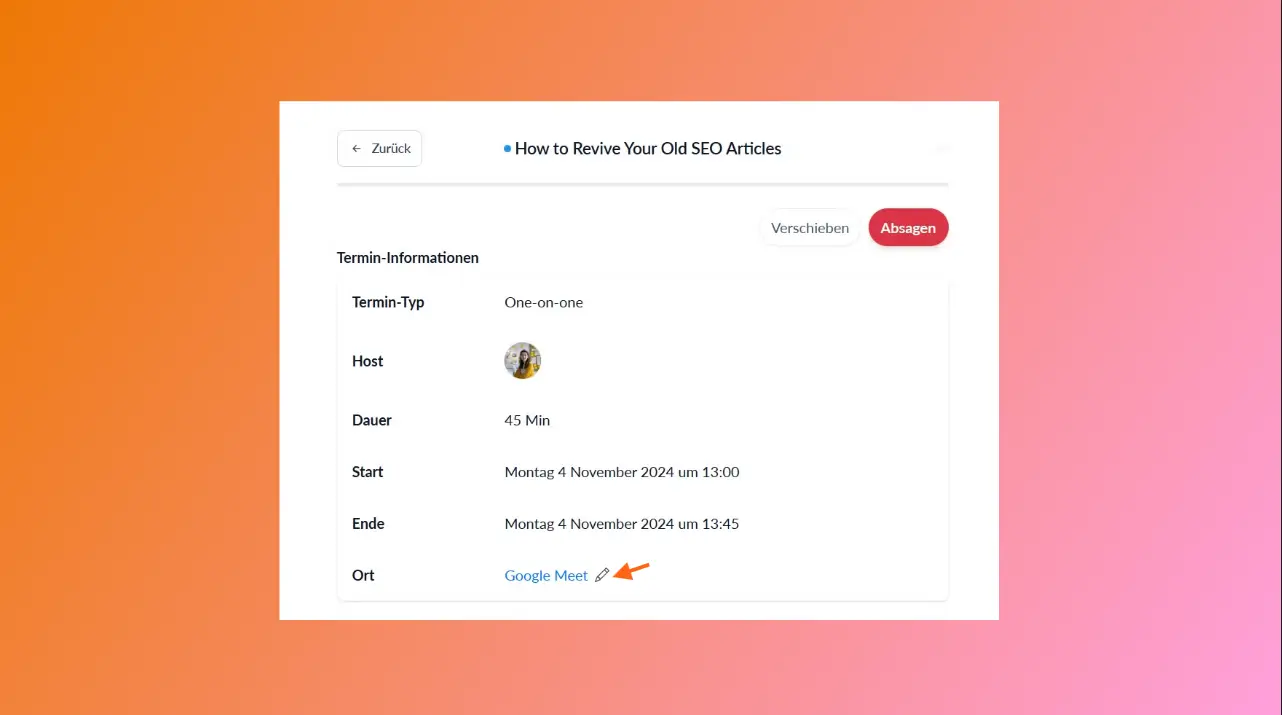
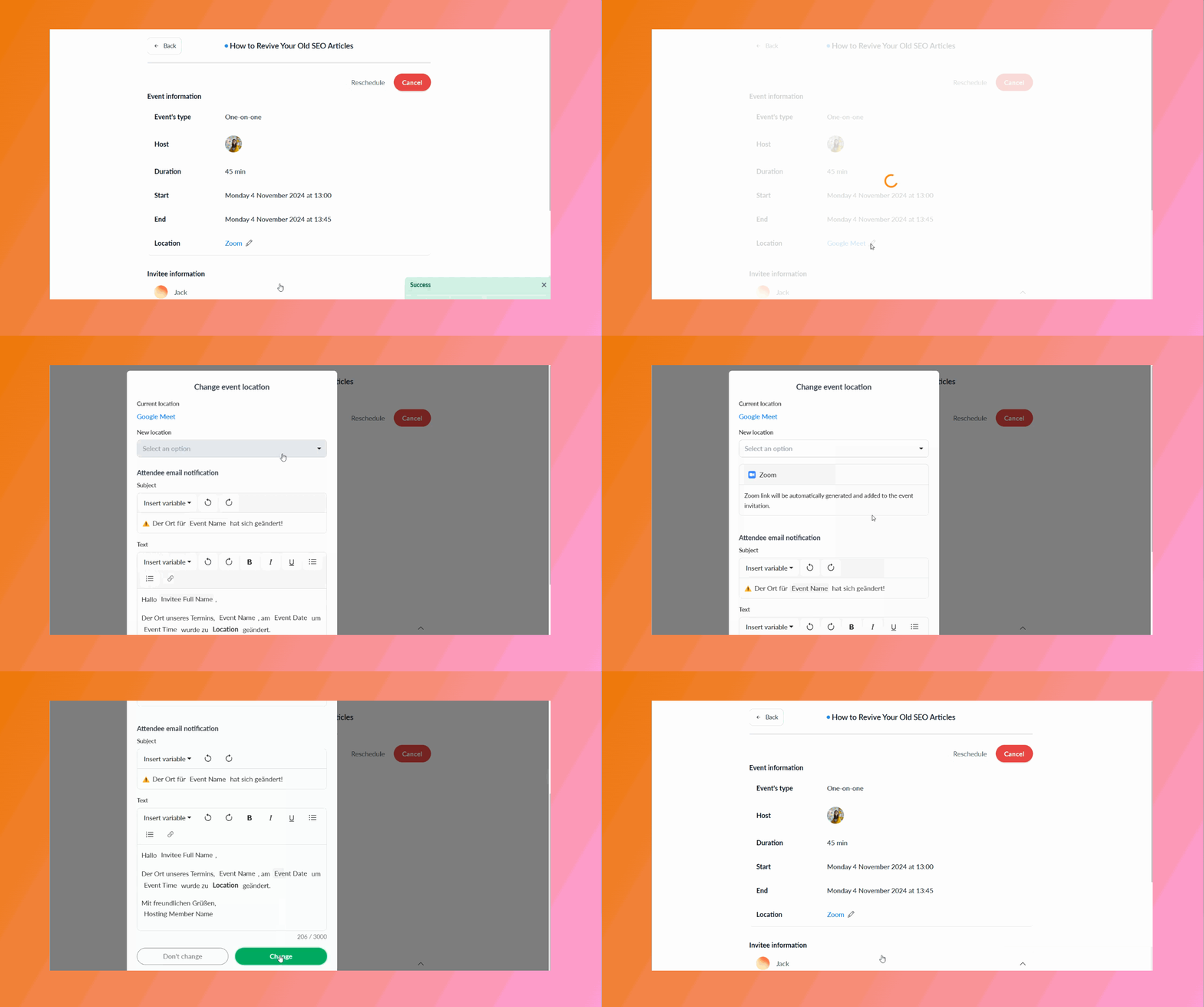
Users can now change the location of an already scheduled event by browsing to the details of an event in their Zeeg dashboard and clicking on the ✏️ pencil icon in the location field.
In general,
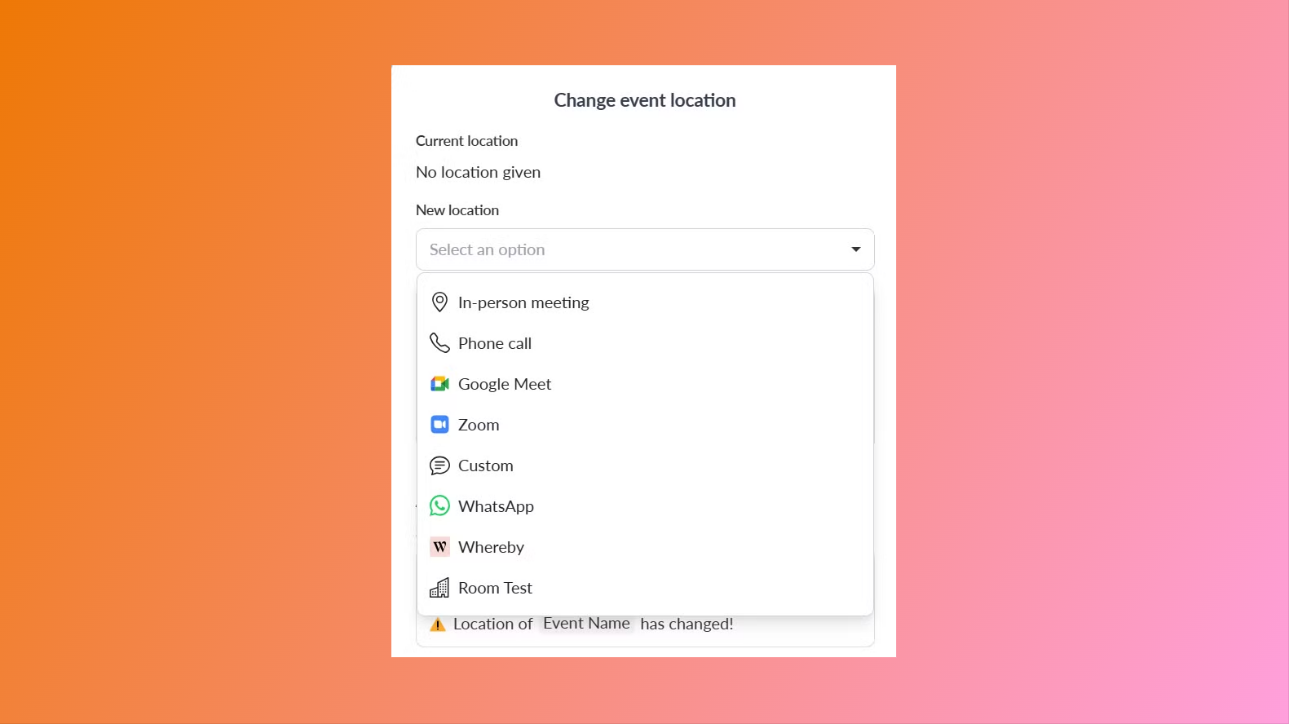
The location of a scheduled event can be changed to any location depending on the availability of the location for the user. E.g. if a user doesn't have a Zoom integration, they won't be able to change the location to Zoom.
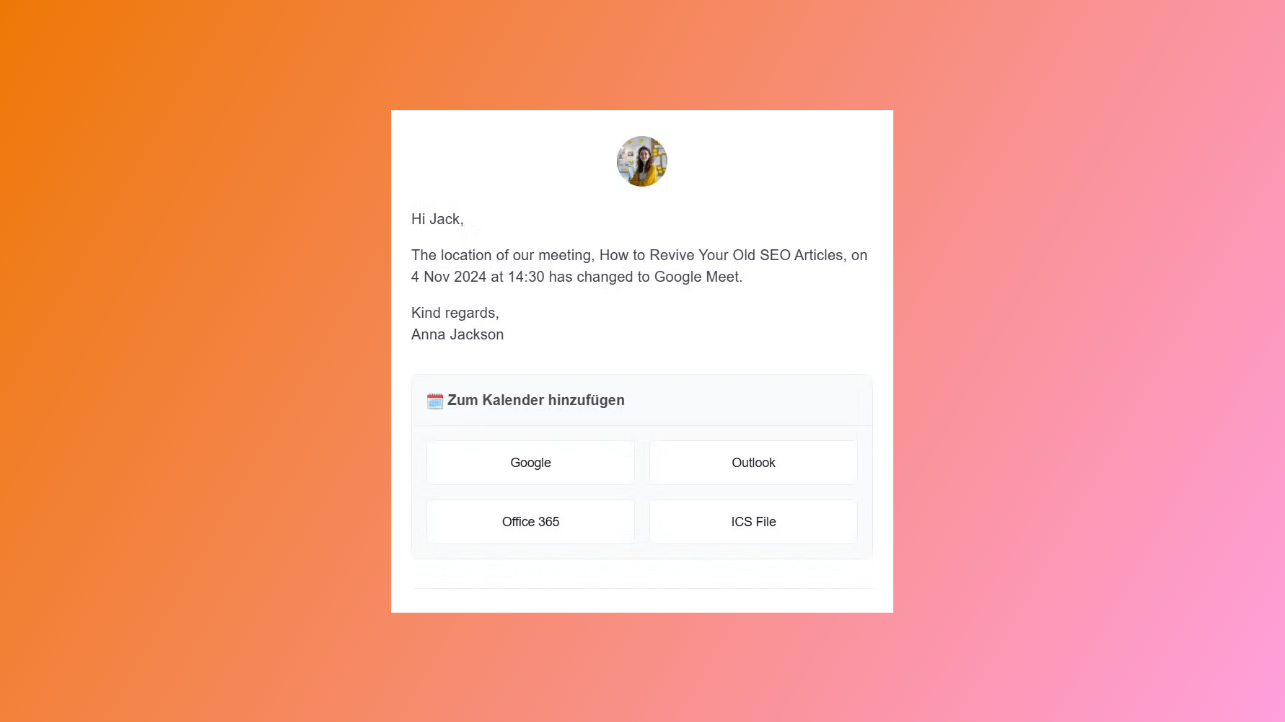
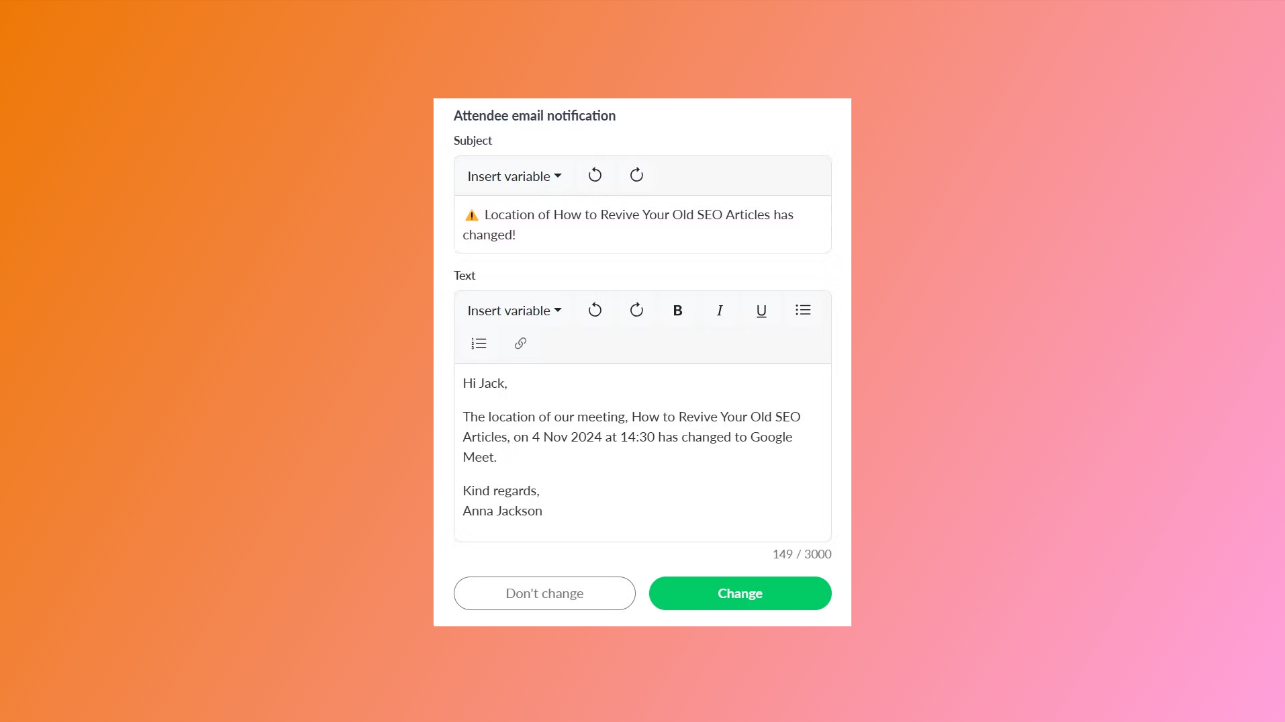
When changing the location, users can customize an email template that'll be sent to the invitee. Event variables can also be used in the email.
The user (event host) will also receive an email from our system confirming the location change.